I recently came across a small knowledge point during development. Here is a Base64 encoded image that I want to copy into the system pasteboard, how can I solve this?
For example, here is a picture.
I can convert to Base64 encoding by using the Base64 conversion tool at https://www.base64-image.de/ and the result is as follows.
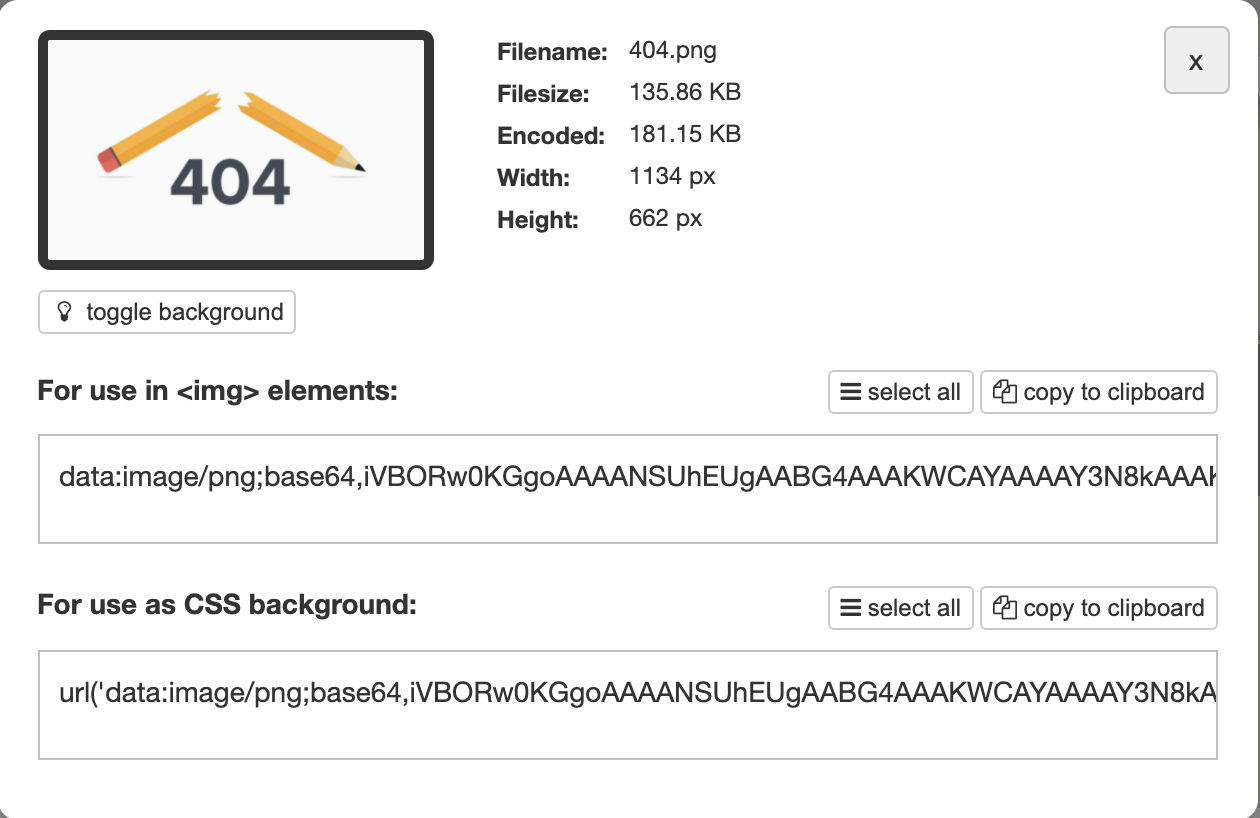
An image is something like data:image/png;base64,ivBor2… Such encoding.
Q: Now I have an image in this format, how can I copy it into the system pasteboard?
Solutions
First of all, a JavaScript library called clipboard-polyfill is needed here. The npm package address of this library is: https://www.npmjs.com/package/clipboard-polyfill.
There is a key part of the introduction to the Look Library.
|
|
Here you can create a ClipboardItem object, pass in the corresponding Blob content, and specify the corresponding content-type.
OK, here is the key part, that is how to convert Base64 encoded images to Blob.
In general, Base64 encoded images start with data:image/jpg;base64, followed by the Base64 real encoding.
Here is a method to convert Base64 encoding to Blob, with the following code.
|
|
Here it’s actually a matter of converting the Base64 encoding to Uint8Array, then converting it to Blob and specifying contentType.
Next, it’s easy to copy to the pasteboard, just call the top method to declare the ClipboardItem object.
Here contentType is specified as image/png.
At this point, the clip method can copy the Base64 encoded image to the system pasteboard, which works on Windows and Mac.
Refrence https://cuiqingcai.com/30008.html